 Tiploom
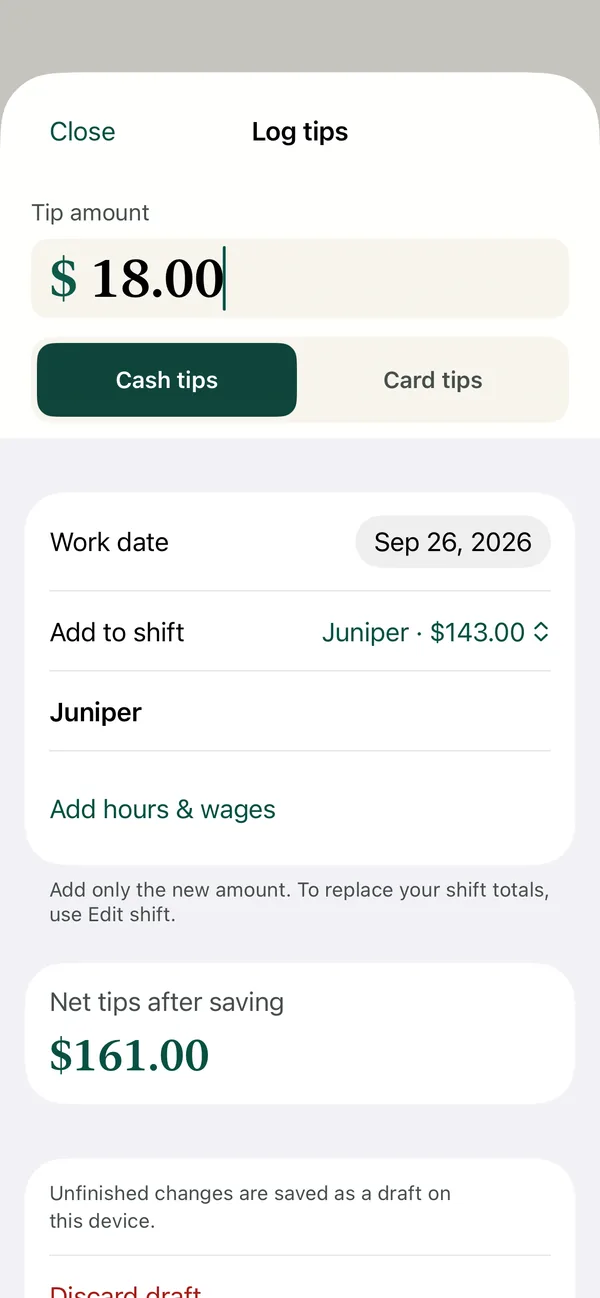
1Add a tip as it arrives
Add the new amount, choose cash or card, and save. The next tip adds to the same shift. Hours and wages can wait.
Know what you really made tonight. Log cash and card tips in seconds, see your hourly rate, and match every paycheck.
Available now for iPhone, iPad and Apple Watch. Free to start. No app account. No ads.
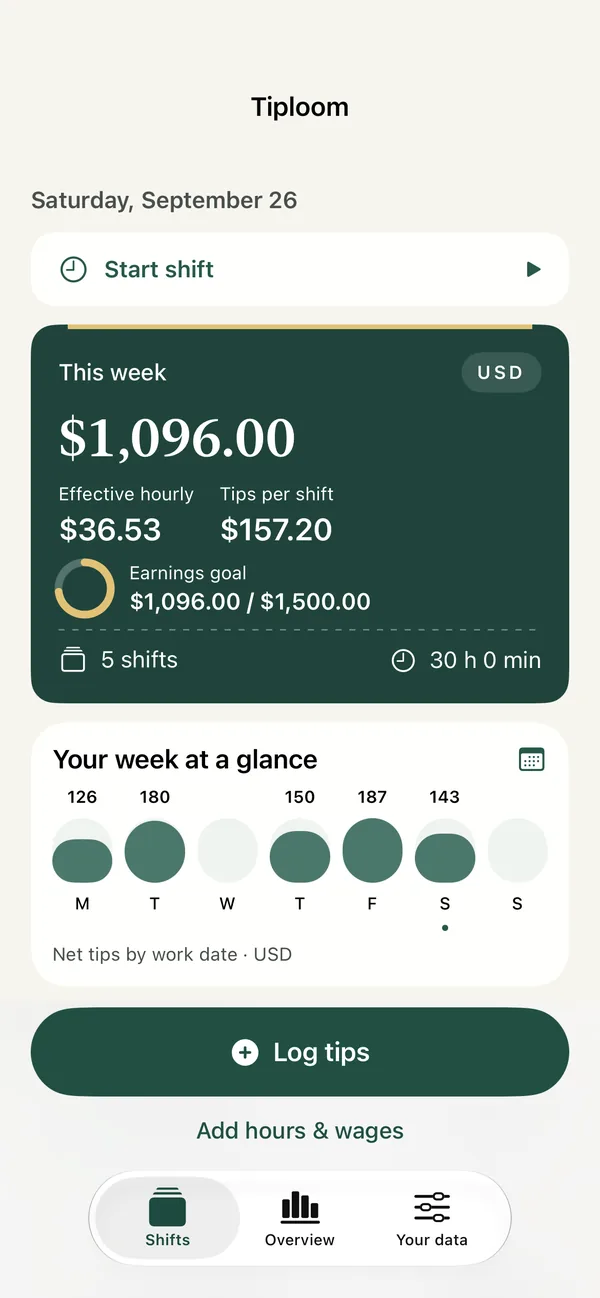
Add the new amount, choose cash or card, and save. The next tip adds to the same shift. Hours and wages can wait.
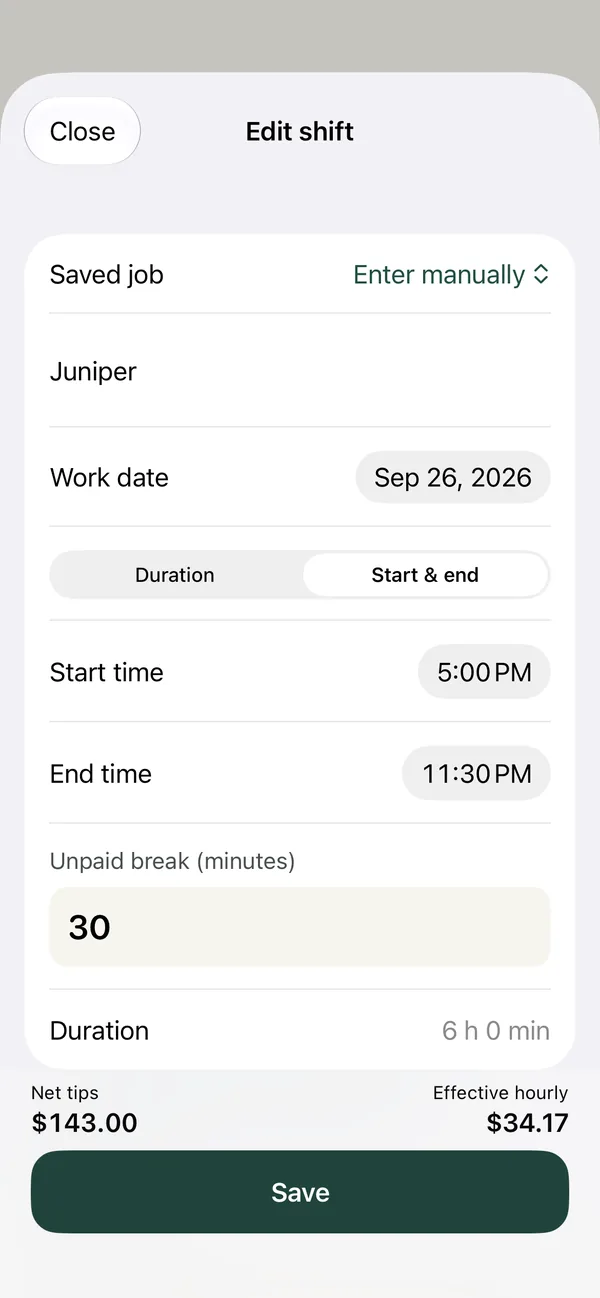
Finish the record you already started, or enter your totals together. Correcting a shift replaces its totals without adding them twice.
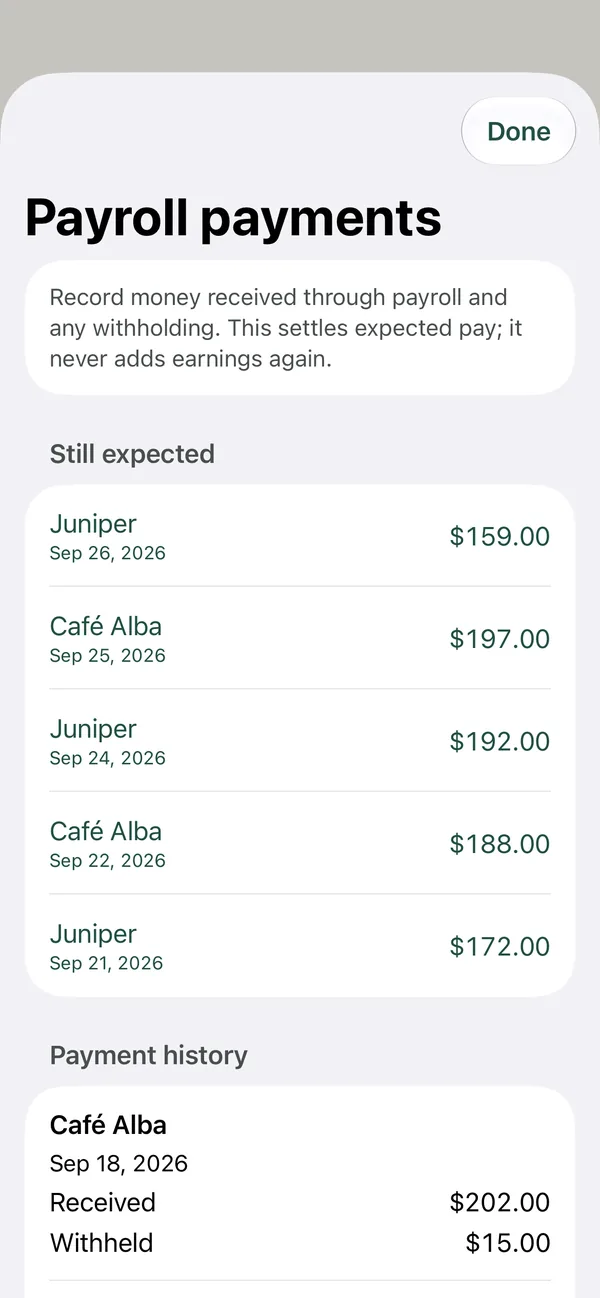
Earned, received and outstanding amounts stay separate. Log a payroll payment without inflating your earnings.
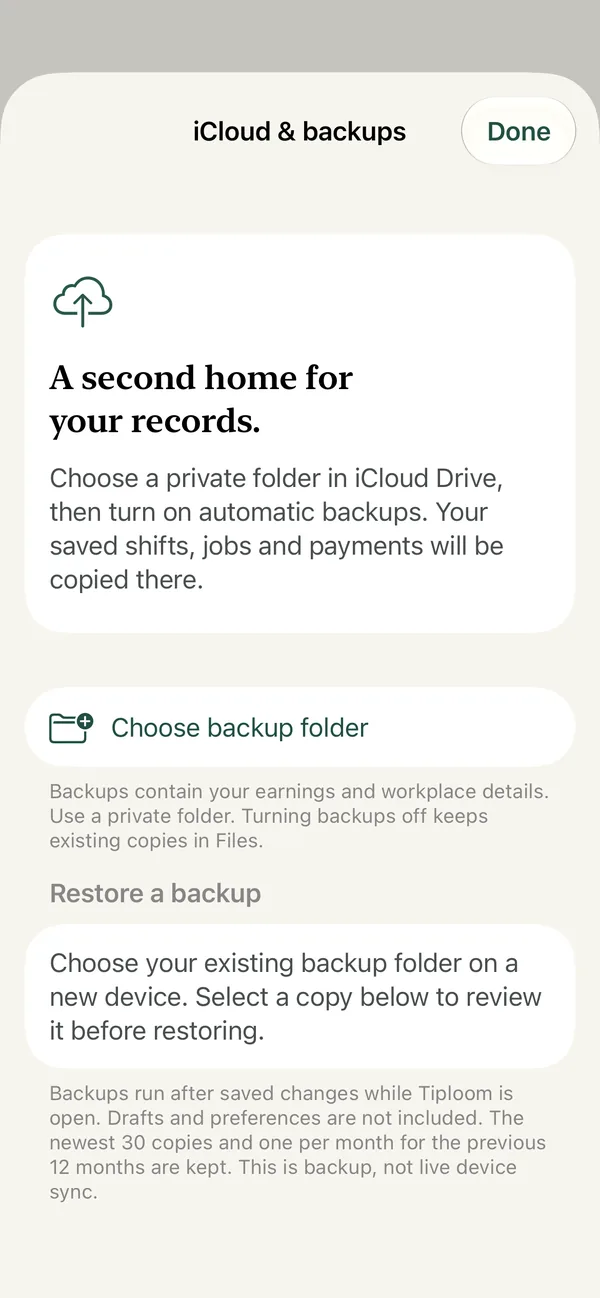
No developer earnings server, no advertising SDK and no account to create. Export raw CSV or a JSON backup for free, or pick a Files folder for automatic Pro backups. This is backup and restore, not live sync.
The essentials stay in your hands.
More perspective, when you want it.
Yes. The Apple Watch app adds cash or card tips and starts or ends a shift; entries transfer when your devices reconnect. Siri, Shortcuts and the Log tips widget work too.
No. Add tips now and finish the details later. Blank wages stay unknown; Tiploom never invents an hourly earnings figure.
Import a UTF-8 CSV, map its columns and review the rows first. Payroll settlements and job presets need a JSON backup. Read the import guide.